POS Software Kenya: Features, Benefits, and How to Choose the Right System By Tiwi.
Learn how POS software Kenya helps businesses automate transactions, monitor stock, and generate real-time sales reports with...
POS Software Kenya: Features, Benefits, and How to Choose the Right System By Tiwi.
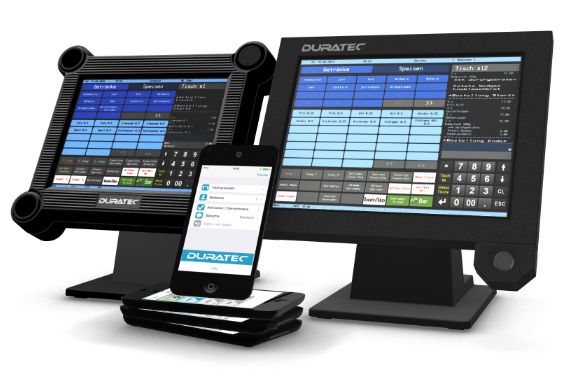
Businesses across Kenya are increasingly embracing digital tools to improve efficiency, streamline operations, and keep a better track of sales. In fast-moving retail and service environments, manual processes can slow down transactions and create errors that affect both customer experience and business performance. That is why POS (Point of Sale) software has become such an important solution for modern businesses looking to stay organized, competitive, and productive.
POS software helps automate key functions such as sales processing, inventory management, and financial reporting, bringing everything together in one easy-to-use system. Instead of relying on disconnected tools or handwritten records, businesses can monitor stock levels, track daily performance, and generate accurate reports in real time. This not only saves time but also gives owners better control over operations and smarter insights for decision-making.
This guide explores the features, benefits, types, and costs of POS software in Kenya, while also showing how to choose the right system for your business needs. Whether you run a shop, restaurant, or service-based business, understanding how POS software works can help you improve efficiency and support long-term growth. With the right solution in place, businesses can manage transactions more smoothly and create a stronger foundation for success.
1. What POS Software Is
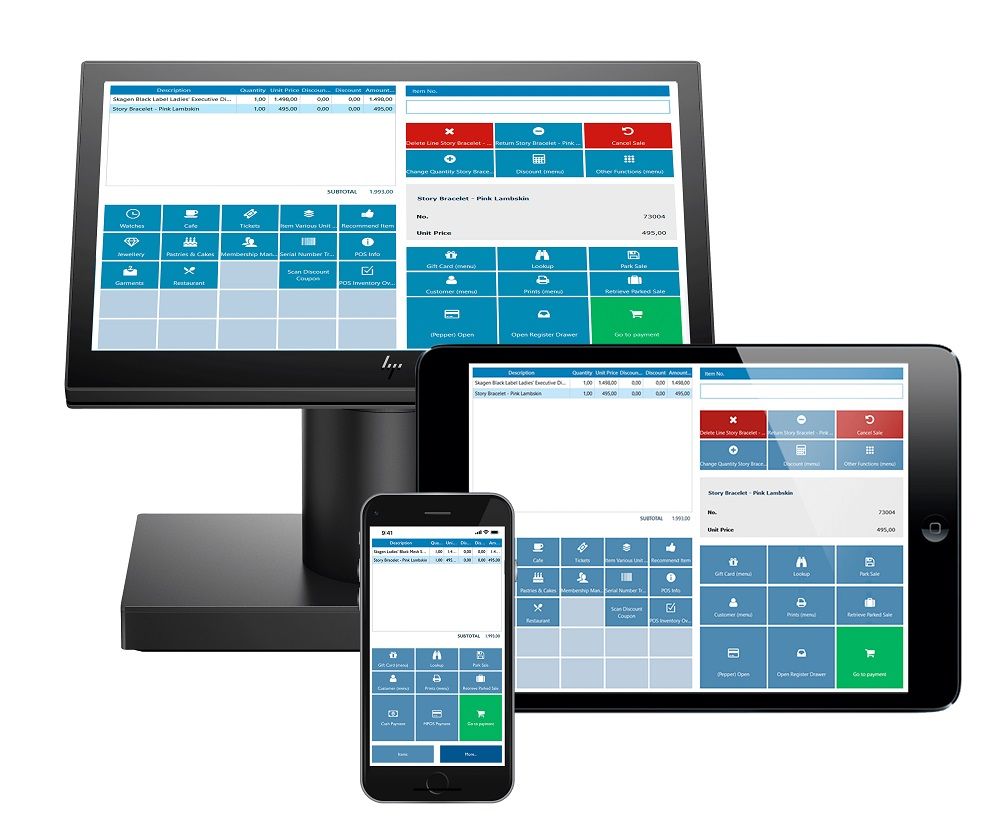
POS (Point of Sale) software is a vital tool for modern businesses, providing a centralized system to handle sales transactions, track inventory, and manage payments. It simplifies daily operations by replacing manual processes with an automated, efficient, and accurate solution. By integrating multiple business functions into one platform, POS software helps improve productivity, customer experience, and decision-making.
1.1 Definition and Core Function
POS software is a digital system used to process transactions and record sales at the point where a customer makes a purchase. It serves as the central hub for handling payments and maintaining accurate business records.
Transaction Processing – It calculates totals, applies discounts, and completes sales quickly and accurately.
Sales Recording – Every transaction is automatically stored, creating a reliable sales history.
Payment Management – Supports multiple payment methods such as cash, card, and mobile money.
Centralized Operations – Combines sales, inventory, and reporting into one system for easy management.
POS software acts as the backbone of daily business transactions, ensuring speed, accuracy, and proper record-keeping.
1.2 How POS Software Works
POS software operates by connecting sales activities with inventory and reporting systems in real time. It ensures that every transaction updates business data instantly.
Sales Capture – Items are selected or scanned into the system during checkout.
Automatic Calculations – The software computes totals, taxes, and discounts instantly.
Inventory Updates – Stock levels are reduced automatically after each sale.
Receipt Generation – Customers receive printed or digital receipts as proof of purchase.
Data Storage & Reporting – All transactions are saved and later used to generate reports and insights.
POS software streamlines the entire sales process, from checkout to reporting, while keeping business data accurate and up to date.
1.3 Why Kenyan Businesses Need POS Software
As businesses grow, manual systems become inefficient and prone to errors. POS software provides a smarter, more scalable solution for managing operations.
Improved Efficiency – Speeds up transactions and reduces long queues, especially in busy environments.
Reduced Errors – Eliminates mistakes common in manual calculations and record-keeping.
Better Inventory Control – Helps track stock levels accurately and avoid shortages or overstocking.
Support for Mobile Payments – Integrates easily with popular payment methods like M-Pesa.
Professional Business Management – Provides detailed reports that support smarter decision-making.
POS software enables Kenyan businesses to operate more efficiently, improve accuracy, and adapt to modern payment and management needs.POS software combines sales processing, inventory control, and reporting into one centralized platform, making it an essential tool for businesses aiming to grow, stay organized, and remain competitive.
2. Key Features of POS Software in Kenya
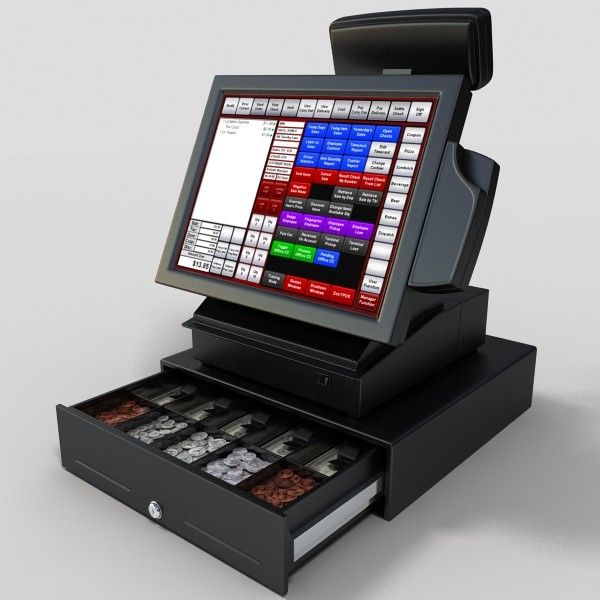
Modern POS software in Kenya is designed to go beyond basic sales processing. It provides a complete business management solution, helping businesses handle transactions, monitor stock, generate insights, and remain compliant with local tax regulations. These features work together to improve efficiency, accuracy, and overall business performance.
2.1 Sales and Payment Processing
Sales and payment processing are the core functions of any POS system, enabling businesses to complete transactions quickly and securely.
Multiple Payment Options – Accepts cash, debit/credit cards, and mobile money services like M-Pesa, making it convenient for customers.
Fast Checkout Process – Speeds up transactions, reducing queues and improving customer experience.
Accurate Billing – Automatically calculates totals, discounts, and taxes, minimizing errors.
Digital & Printed Receipts – Provides customers with instant proof of purchase.
Efficient payment processing ensures smooth transactions while enhancing customer satisfaction and trust.
2.2 Inventory Management
Inventory management helps businesses keep track of stock levels and avoid losses due to mismanagement or shortages.
Real-Time Stock Tracking – Automatically updates inventory whenever a sale is made.
Low-Stock Alerts – Notifies business owners when items are running low.
Product Organization – Categorizes items for easier tracking and management.
Reduced Losses – Helps prevent overstocking, stockouts, and theft.
Effective inventory management ensures that businesses always have the right products available while minimizing losses.
2.3 Reporting and Analytics
Reporting and analytics provide valuable insights that help business owners make informed decisions.
Sales Reports – Tracks daily, weekly, and monthly sales performance.
Profit Analysis – Shows profit margins and identifies the most profitable products.
Performance Insights – Highlights trends, peak sales times, and customer behavior.
Data-Driven Decisions – Enables smarter planning and business growth strategies.
With detailed analytics, businesses can understand their performance and make strategic improvements.
2.4 Multi-Branch Management
For businesses with more than one location, POS software makes it easy to manage operations from a single system.
Centralized Dashboard – Monitor all branches from one platform.
Consistent Pricing & Inventory – Maintain uniform pricing and stock control across locations.
Branch Performance Tracking – Compare sales and performance between different outlets.
Remote Access – Manage operations even when not physically present.
Multi-branch management simplifies oversight and ensures consistency across all business locations.
2.5 Tax and Compliance Features
POS systems in Kenya are designed to meet local tax requirements and simplify compliance.
VAT Calculation – Automatically applies Value Added Tax to transactions.
KRA-Compliant Receipts – Generates receipts that meet Kenya Revenue Authority standards.
Accurate Record-Keeping – Maintains detailed transaction records for audits and reporting.
Reduced Compliance Risks – Helps businesses avoid penalties by ensuring proper tax handling.
Built-in compliance features make it easier for businesses to meet legal requirements and maintain accurate financial records. Modern POS systems in Kenya integrate sales, inventory, reporting, multi-branch management, and compliance features into one powerful platform, enabling businesses to operate efficiently, stay compliant, and scale with ease.
3. Benefits of Using POS Software in Kenya
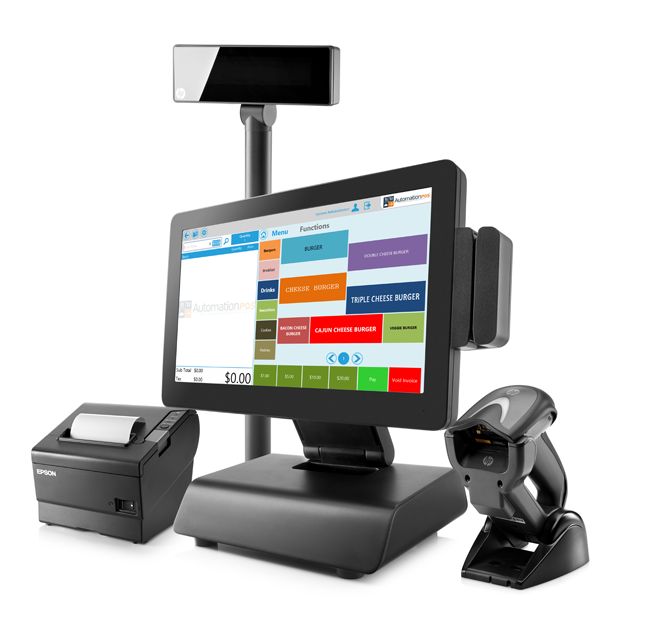
POS software offers significant advantages for businesses looking to improve operations, enhance customer experience, and grow sustainably. Automating key processes and providing real-time insights, it helps businesses move away from manual systems and operate more efficiently in today’s competitive market.
3.1 Improved Efficiency
One of the biggest benefits of POS software is the ability to streamline daily business operations.
Automated Billing – Eliminates the need for manual calculations, reducing errors.
Time-Saving Processes – Speeds up tasks like recording sales and updating inventory.
Reduced Paperwork – Stores data digitally, making record-keeping easier and more organized.
Simplified Operations – Combines multiple functions into one system, reducing workload.
Improved efficiency allows businesses to save time, reduce errors, and focus on growth rather than routine tasks.
3.2 Faster Transactions
Speed is critical in customer service, especially in busy retail and hospitality environments. POS systems help businesses serve customers quickly and efficiently.
Quick Checkout – Processes transactions in seconds, reducing queues.
Multiple Payment Methods – Supports cash, card, and mobile money for faster payments.
Improved Customer Experience – Shorter wait times lead to higher customer satisfaction.
Higher Sales Volume – Faster service allows businesses to handle more customers.
Faster transactions enhance customer satisfaction while increasing the number of sales a business can handle.
3.3 Better Inventory Control
Managing stock effectively is essential for maintaining smooth operations and avoiding losses.
Real-Time Tracking – Automatically updates inventory after each sale.
Prevents Stockouts – Ensures popular items are always available.
Avoids Overstocking – Helps maintain optimal stock levels and reduce waste.
Stock Alerts – Notifies businesses when inventory is low.
Better inventory control ensures businesses maintain the right stock levels and avoid unnecessary losses.
3.4 Data-Driven Decision Making
POS software provides valuable insights that help businesses make smarter, more strategic decisions.
Sales Trend Analysis – Identifies best-selling products and peak sales periods.
Performance Monitoring – Tracks overall business performance in real time.
Customer Insights – Helps understand buying behavior and preferences.
Informed Planning – Supports better pricing, stocking, and marketing decisions.
Access to real-time data enables businesses to make informed decisions that drive growth and profitability.
3.5 Integration With Other Systems
Modern POS systems can connect with other business tools, creating a seamless operational ecosystem.
Accounting Integration – Syncs sales data with accounting software for accurate financial records.
CRM Integration – Helps manage customer relationships and track purchase history.
Payment Platform Integration – Works with mobile money and card payment systems.
Operational Efficiency – Reduces duplication of work across different systems.
Integration with other systems improves coordination, accuracy, and overall business efficiency.POS systems help businesses in Kenya operate more efficiently, improve service delivery, and make informed decisions by leveraging real-time data and integrated tools.
4. Types of POS Software in Kenya
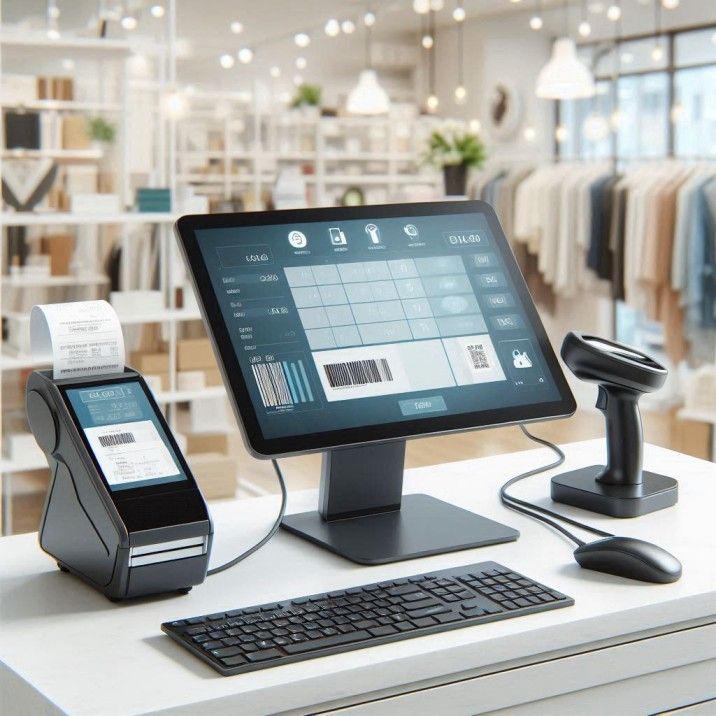
POS software in Kenya comes in different types, each designed to meet the specific needs of various industries. Whether it’s a retail shop, restaurant, or service-based business, choosing the right type of POS system ensures better efficiency and smoother operations. These systems are tailored to handle unique workflows, making them more effective for specific business environments.
4.1 Retail POS Software
Retail POS software is built for businesses that sell physical products, such as shops, supermarkets, and boutiques.
Product-Based Transactions – Handles sales of goods quickly using barcode scanning or manual entry.
Inventory Tracking – Monitors stock levels and updates inventory in real time.
Pricing & Discounts – Supports promotions, discounts, and price adjustments بسهولة.
Sales Reporting – Tracks daily sales and identifies best-selling products.
Retail POS software simplifies sales and inventory management, making it ideal for product-based businesses.
4.2 Restaurant POS Software
Restaurant POS systems are designed to manage food service operations efficiently, from order-taking to billing.
Order Management – Allows waitstaff to input and send orders directly to the kitchen.
Kitchen Tickets – Automatically prints or displays orders for kitchen staff.
Table Management – Tracks tables, orders, and customer flow within the restaurant.
Split Billing – Enables easy bill splitting for groups of customers.
Restaurant POS software improves service speed, order accuracy, and overall customer experience in food businesses.
4.3 Mobile POS Systems
Mobile POS (mPOS) systems offer flexibility by allowing businesses to process transactions using smartphones or tablets.
Portable Operations – Enables sales anywhere, not just at a fixed checkout point.
Ideal for Small Businesses – Suitable for vendors, delivery services, and pop-up shops.
Wireless Payments – Supports mobile money and card payments on the go.
Cost-Effective Setup – Requires minimal hardware compared to traditional systems.
Mobile POS systems provide flexibility and convenience, especially for businesses that operate on the move.
4.4 Cloud-Based POS Software
Cloud-based POS systems store data online, allowing access from multiple devices and locations.
Remote Access – Business owners can monitor operations from anywhere with internet access.
Real-Time Synchronization – Updates sales and inventory instantly across all devices.
Data Security & Backup – Protects business data with secure cloud storage.
Scalability – Easily expands as the business grows or adds new locations.
Cloud-based POS software offers flexibility, scalability, and real-time visibility for modern businesses.
4.5 Industry-Specific POS Solutions
Some POS systems are customized for specific industries to meet unique operational needs.
Pharmacy POS – Tracks prescriptions, expiry dates, and regulated products.
Salon POS – Manages appointments, services, and customer records.
Hotel POS – Handles bookings, billing, and guest services.
Wholesale POS – Supports bulk pricing, large inventories, and supplier management.
Industry-specific POS solutions provide specialized features that improve efficiency and accuracy in niche business sectors. POS software is widely used across multiple industries in Kenya, from retail and restaurants to specialized sectors, providing tailored solutions that enhance efficiency, accuracy, and business growth.
5. How POS Software Works for Different Businesses
POS software is designed to adapt to the unique needs of different types of businesses. While the core function remains the same—processing sales and managing data—the way it operates varies depending on the industry. This flexibility allows businesses to streamline their specific workflows and improve overall efficiency.
5.1 Retail Stores
In retail environments, POS software focuses on fast transactions and accurate inventory management.
Barcode Scanning – Speeds up checkout by quickly identifying products and prices.
Pricing Control – Allows easy updates to product prices, discounts, and promotions.
Stock Tracking – Automatically updates inventory levels after each sale.
Sales Monitoring – Tracks daily sales and highlights best-selling items.
In retail stores, POS software ensures quick transactions, accurate pricing, and efficient stock management.
5.2 Restaurants and Cafés
For restaurants and cafés, POS systems are tailored to handle orders, kitchen communication, and billing efficiently.
Order Management – Waitstaff can input orders directly into the system.
Kitchen Coordination – Orders are sent instantly to the kitchen, reducing delays and errors.
Table Billing – Tracks orders by table and simplifies billing at the end of service.
Split Payments – Allows customers to divide bills easily.
In food service businesses, POS software improves order accuracy, speeds up service, and enhances customer experience.
5.3 Service Businesses
Service-based businesses such as salons, repair shops, and consultancies use POS systems to manage appointments and customer interactions.
Appointment Scheduling – Keeps track of bookings and service timelines.
Payment Processing – Handles payments for services rendered.
Customer Records – Stores client details and service history for better personalization.
Service Tracking – Monitors staff performance and services offered.
For service businesses, POS software helps organize schedules, manage clients, and streamline payments.
5.4 Wholesale and Distribution
Wholesale and distribution businesses require POS systems that handle large volumes and complex transactions.
Bulk Sales Management – Supports large orders and quantity-based pricing.
Supplier Management – Tracks suppliers, orders, and restocking processes.
Invoicing – Generates detailed invoices for business clients.
Inventory Control – Manages large stock levels across warehouses.
In wholesale and distribution, POS software simplifies bulk transactions, supplier coordination, and inventory management.POS software adapts to different business types by offering specialized features that match their operations, helping businesses in Kenya run more efficiently, improve accuracy, and deliver better customer service.
6. Tips for Choosing the Right POS Software in Kenya

Choosing the right POS software is a critical decision that can significantly impact how efficiently your business operates. With many options available, it’s important to evaluate your needs carefully and select a system that aligns with your business goals, operations, and growth plans.
6.1 Consider Your Business Type
Different businesses have different operational needs, so it’s essential to choose a POS system tailored to your industry.
Industry-Specific Features – Retail stores need inventory tracking, while restaurants require order and table management.
Workflow Compatibility – The system should match how your business operates اليومية.
Relevant Tools – Choose features that directly support your daily tasks.
Selecting a POS system designed for your business type ensures better efficiency and usability.
6.2 Check Payment Integration
In Kenya, offering flexible payment options is essential for customer convenience and business success.
Mobile Money Support – Ensure integration with M-Pesa and other mobile payment platforms.
Card Payments – Confirm compatibility with debit and credit card systems.
Multiple Payment Options – Allows customers to pay using their preferred method.
Seamless Transactions – Integrated payments reduce errors and speed up checkout.
A POS system with strong payment integration improves customer experience and simplifies transaction management.
6.3 Evaluate Ease of Use
A user-friendly POS system is important for smooth daily operations and quick staff adoption.
Simple Interface – Easy navigation reduces confusion and mistakes.
Minimal Training Required – Staff can learn the system quickly.
Efficient Workflow – Speeds up transactions and daily tasks.
Reduced Errors – Clear design minimizes operational mistakes.
Conclusion: Choosing an easy-to-use POS system saves time, reduces training costs, and improves efficiency.
6.4 Look for Reporting Capabilities
Strong reporting features help you understand your business performance and make better decisions.
Sales Reports – Track daily, weekly, and monthly performance.
Profit Analysis – Understand margins and identify high-performing products.
Trend Insights – Identify customer behavior and peak business periods.
Custom Reports – Generate reports tailored to your business needs.
A POS system with robust reporting tools empowers you to make data-driven decisions.
6.5 Consider Scalability
As your business grows, your POS system should be able to grow with it.
Expandable Features – Add new tools and functionalities as needed.
Multi-Location Support – Manage multiple branches from one system.
Cloud Capabilities – Enables easy upgrades and remote access.
Long-Term Value – Avoids the need to switch systems as your business expands.
A scalable POS system ensures long-term efficiency and supports business growth without disruptions. Choosing the right POS software in Kenya involves evaluating your business needs, ensuring payment compatibility, prioritizing ease of use, leveraging strong analytics, and selecting a system that can scale as your business grows.
7. FAQs About POS Software in Kenya
POS software is an essential tool for businesses in Kenya, but many business owners have questions about how it works and whether it fits their needs. Below are answers to some of the most common questions.
7.1 What is POS software used for?
POS software is primarily used to process sales transactions and manage business operations.
Transaction Management – Handles cash, card, and mobile payments.
Sales Recording – Automatically stores each sale for accurate record-keeping.
Inventory Tracking – Updates stock levels in real time.
Reporting & Analytics – Provides insights into sales trends and performance.
POS software streamlines sales, inventory, and reporting, making business operations more efficient.
7.2 Can POS software accept M-Pesa payments?
Yes, most modern POS systems in Kenya integrate with M-Pesa and other local payment methods.
Mobile Money Integration – Customers can pay directly using M-Pesa, improving convenience.
Quick Transactions – Reduces waiting times at checkout.
Secure Payments – Ensures safe and verified transactions.
Integration with M-Pesa allows businesses to offer a seamless and popular payment option for Kenyan customers.
7.3 Is POS software suitable for small businesses?
Absolutely. POS software is beneficial for businesses of all sizes.
Cost-Effective Options – Many systems are affordable for small enterprises.
Efficiency & Accuracy – Helps small businesses manage sales and inventory without manual errors.
Scalable Solutions – Can grow with your business as it expands.
Even small businesses can benefit from POS software to streamline operations and improve professionalism.
7.4 Does POS software manage inventory?
Yes, inventory management is a core feature of POS systems.
Real-Time Updates – Automatically deducts stock after each sale.
Low-Stock Alerts – Notifies businesses when items need restocking.
Inventory Reporting – Provides insights into which products sell best.
POS software helps businesses maintain optimal stock levels and reduces the risk of stockouts or overstocking.
7.5 Can POS software work offline?
Some POS systems offer offline functionality, which is useful in areas with unreliable internet.
Offline Sales Recording – Allows transactions to continue even without internet connectivity.
Automatic Syncing – Data syncs with the cloud once the connection is restored.
Business Continuity – Ensures operations are not disrupted by temporary connectivity issues.
Offline-capable POS systems are ideal for businesses in areas with intermittent internet access.
POS software in Kenya is versatile and suitable for businesses of all sizes. It supports multiple payment methods, manages inventory, provides reporting, and can even operate offline, making it an essential tool for modern business operations.
POS Software in Kenya — Enhancing Business Efficiency
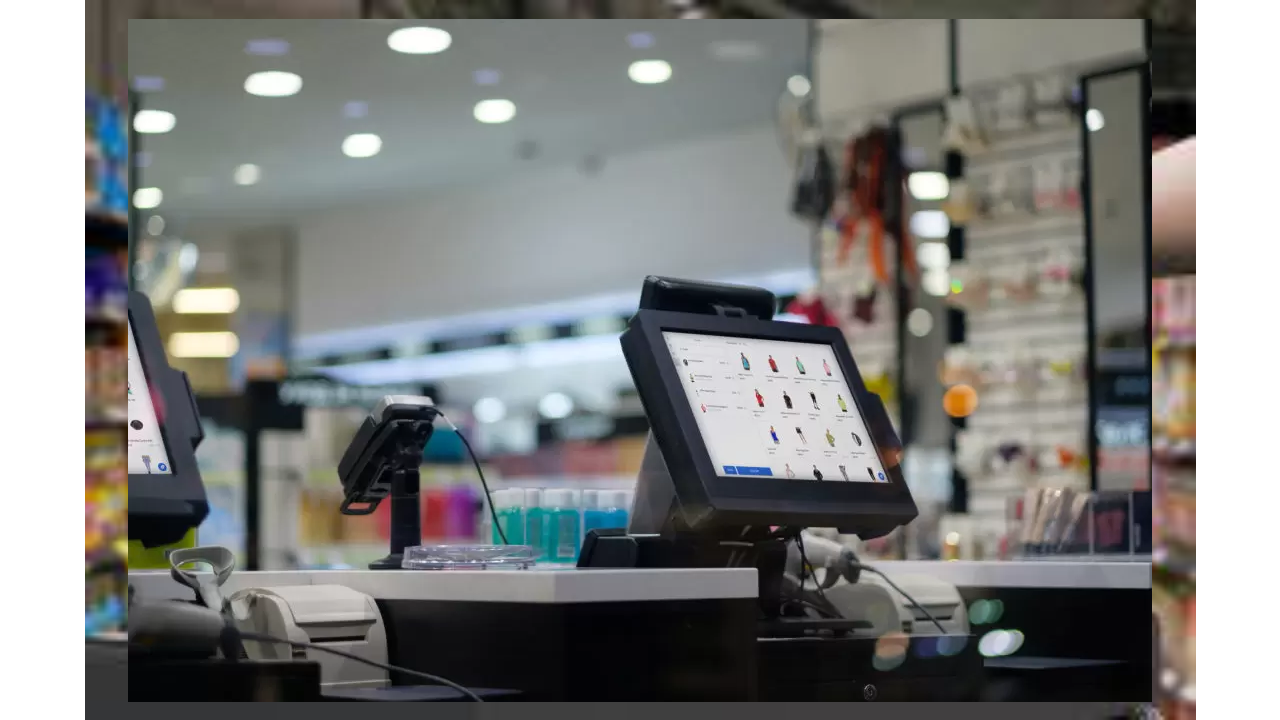
POS (Point of Sale) software is an essential tool for businesses in Kenya, providing a centralized system to manage sales, inventory, and customer data efficiently. Automating daily transactions and tracking stock levels, it reduces manual errors and frees up time for business owners and staff to focus on growth and customer engagement. Modern POS systems also provide insights through analytics and reporting, helping businesses make informed decisions.
With advanced features such as real-time reporting, mobile money integration, and automation of recurring tasks, POS software improves both operational efficiency and the overall customer experience. Businesses can quickly process payments, manage promotions, and monitor sales performance across multiple locations. The integration of digital payment options like M-Pesa and card transactions ensures seamless, secure, and convenient service for customers.
Choosing the right POS software depends on your specific business needs, budget, and growth plans. Whether you operate a retail store, restaurant, or service-based business, investing in a reliable system can transform operations, increase accuracy, and prepare your business for scaling. Explore POS solutions tailored for Kenyan businesses and start optimizing your operations today with TIWI POS.